
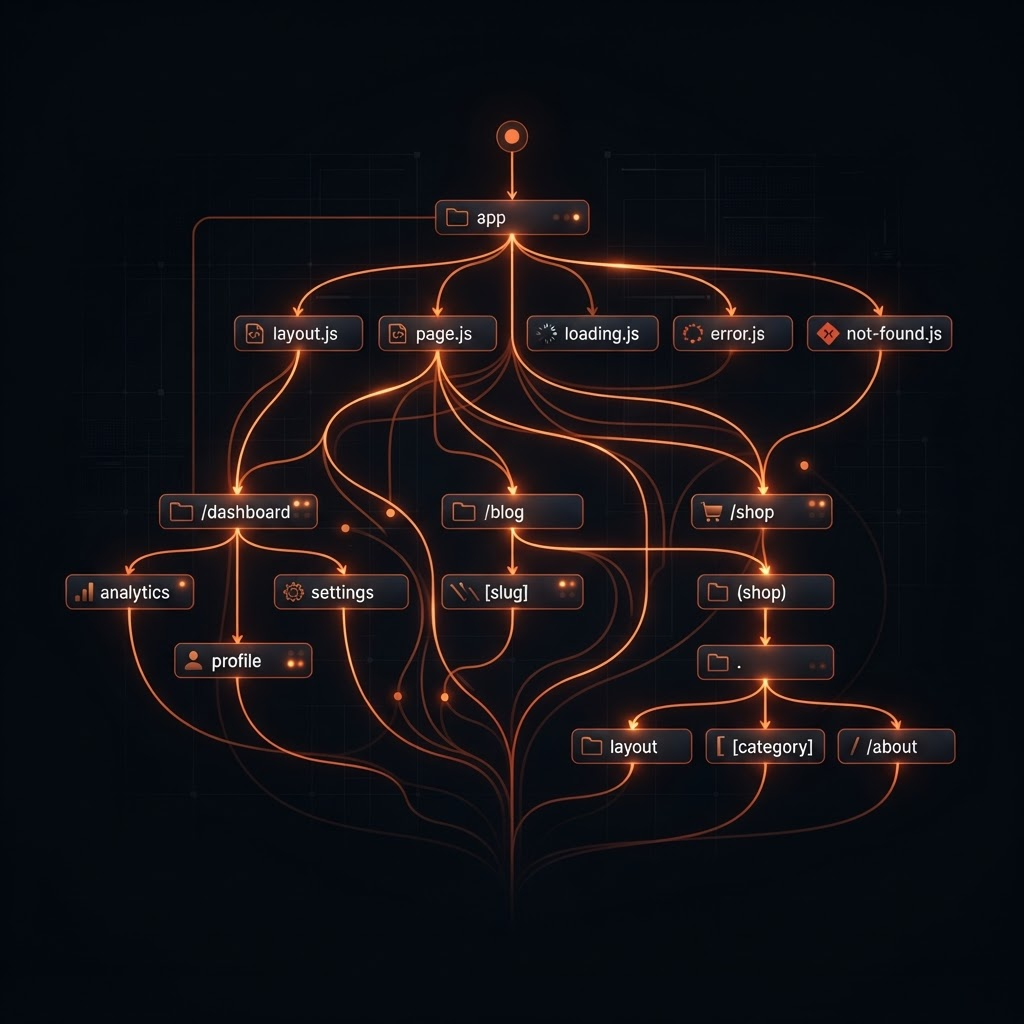
The App Router is not just a new folder convention. It is a fundamentally different rendering model, and most production problems I see come from teams treating it like the Pages Router with extra steps.
The mental model shift
In the Pages Router, everything was a client bundle with server-side data injection. In the App Router, the server is the default and the client is opt-in.
A Server Component never ships to the browser. Its JavaScript weight is zero. Reach for
"use client"only when you need interactivity, browser APIs, or state.
This inverts the question you ask while building. Instead of "how do I get data into this component?", you ask "does this component need to be interactive at all?"
Where the boundary belongs
Push client boundaries to the leaves of the tree. A page with one interactive button should not be a client component — the button should be.
import { getProducts } from "@/lib/products";
import { AddToCartButton } from "@/components/add-to-cart";

export default async function ProductsPage() {
  const products = await getProducts();
  return (
    <ul>
      {products.map((p) => (
        <li key={p.id}>
          {p.name}
          <AddToCartButton id={p.id} />
        </li>
      ))}
    </ul>
  );
}
Only AddToCartButton hydrates. The list, the data fetching, the markup — all server-only.
Layouts are your caching strategy
Layouts do not re-render on navigation. That makes them the natural home for expensive, shared work:
| Concern | Where it belongs | Why |
|---|---|---|
| Navigation shell | Root layout | Renders once, persists across routes |
| Auth session read | Layout or page | De-duplicated per request |
| Per-route data | Page | Re-fetched on navigation |
| Interactive widgets | Leaf client components | Minimal hydration |
Streaming beats loading spinners
Wrap slow subtrees in Suspense and the shell renders instantly while data streams in:
import { Suspense } from "react";

export default function Dashboard() {
  return (
    <main>
      <h1>Dashboard</h1>
      <Suspense fallback={<StatsSkeleton />}>
        <SlowStats />
      </Suspense>
    </main>
  );
}
loading.tsxis just a route-levelSuspenseboundary. Use inlineSuspensefor finer control — one slow widget should not block the whole page.
A structure that survives growth
My checklist for App Router codebases past ~50 routes:
- Server Components by default, client boundaries at the leaves
- Data access isolated in
lib/, never inlinefetchin components -
generateStaticParamsfor everything that can be known at build time - Route groups
(marketing)/(app)to separate layout trees - Parallel routes only when genuinely needed — they add complexity
The App Router rewards teams that respect its model and punishes those who fight it. Ship less JavaScript, stream the rest, and let the server do what servers are good at.1
Footnotes
-
Benchmarks in this post were run on Next.js 16 with Turbopack in production mode. ↩